


Calendar 10‘’
Seamlessly auto-syncs with:


Calendar Max
Calendar Max offers the same features loved in our 15" and 10" versions, but boasts a 27" diagonal screen and is exclusively designed for wall mounting. With options in two styles (Classic and Shadow Box) and multiple frame colors to choose from, you have the freedom to personalize your Calendar to complement any setting. Plus, you can easily interchange frame colors to adapt to your environment.
Installing Calendar Max is easy! It comes with a wall mount and all necessary hardware. For detailed instructions, check out the Rrosky Calendar Max Installation Guide.
Yes, either orientation.
Customize your Calendar Max with different style and color options.Shadow Box: Sleek metal frame that adds style and depth. Comes in two finishes: Natural Aluminum or Charcoal Classic: Timeless and contemporary design for any home. This plastic, fitted frame comes in two frame color options: White or Black.
Shadow Box has a thin, metal frame that slightly protrudes adding depth. Classic is a sturdy plastic that closely wraps the Calendar. Both styles are interchangeable.
No, Calendar Max must be wall mounted.
If you have more than one Skylight Calendar or Frame, you can link them together. When you link devices, they will all share the same information. When you make changes on one device, linked devices will update automatically.This will include all your Calendar or Frame data - events, chores, lists, meals, and more. You cannot choose bits and pieces of data to link. It's all or nothing.Device Linking is helpful if you have multiple devices in the same household, or you have multiple frames that you want to be in sync, anywhere in the world.For details on how to sync your calendars, check here.
How it Works
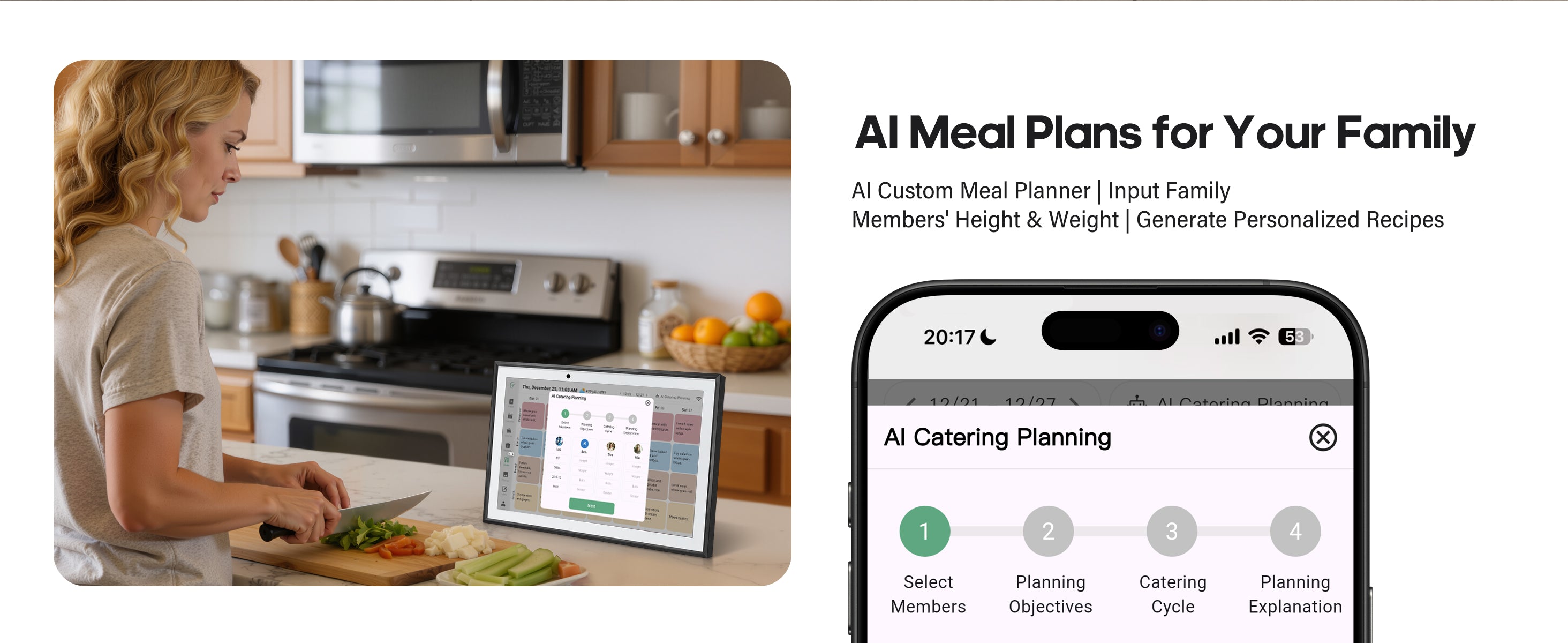
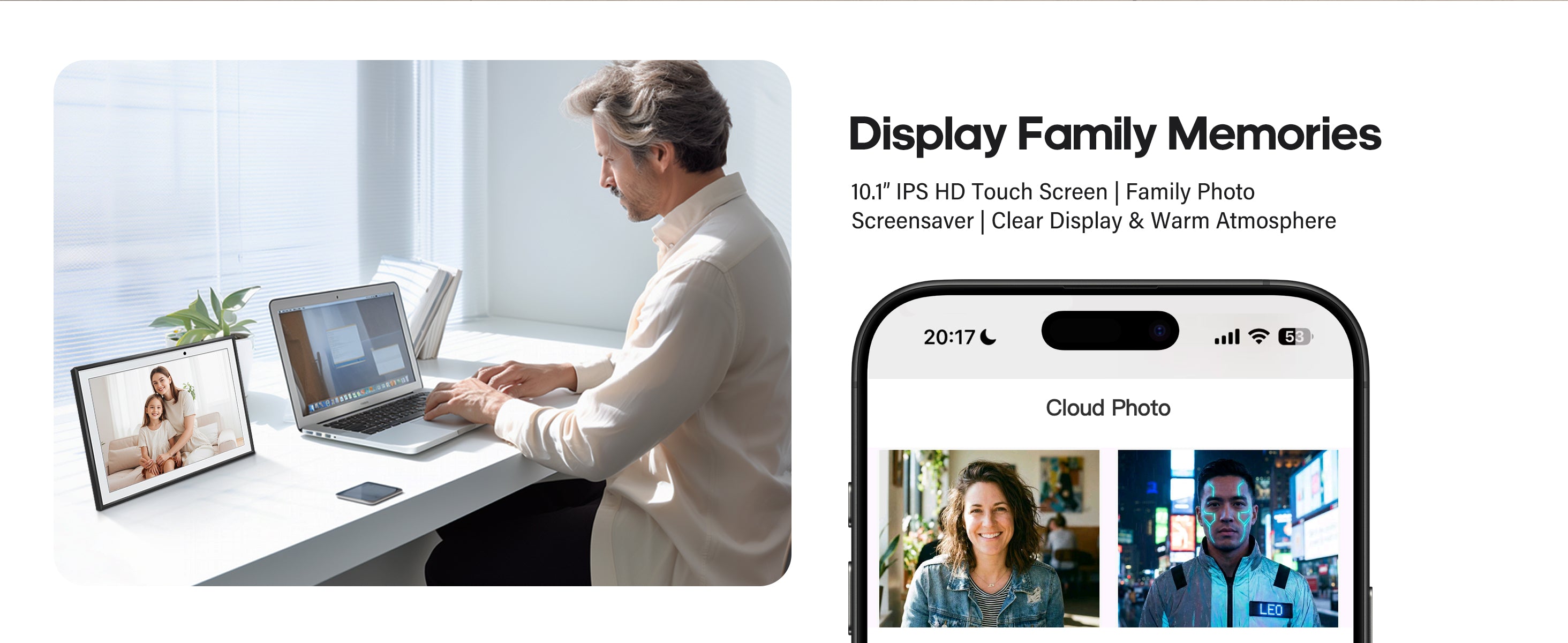
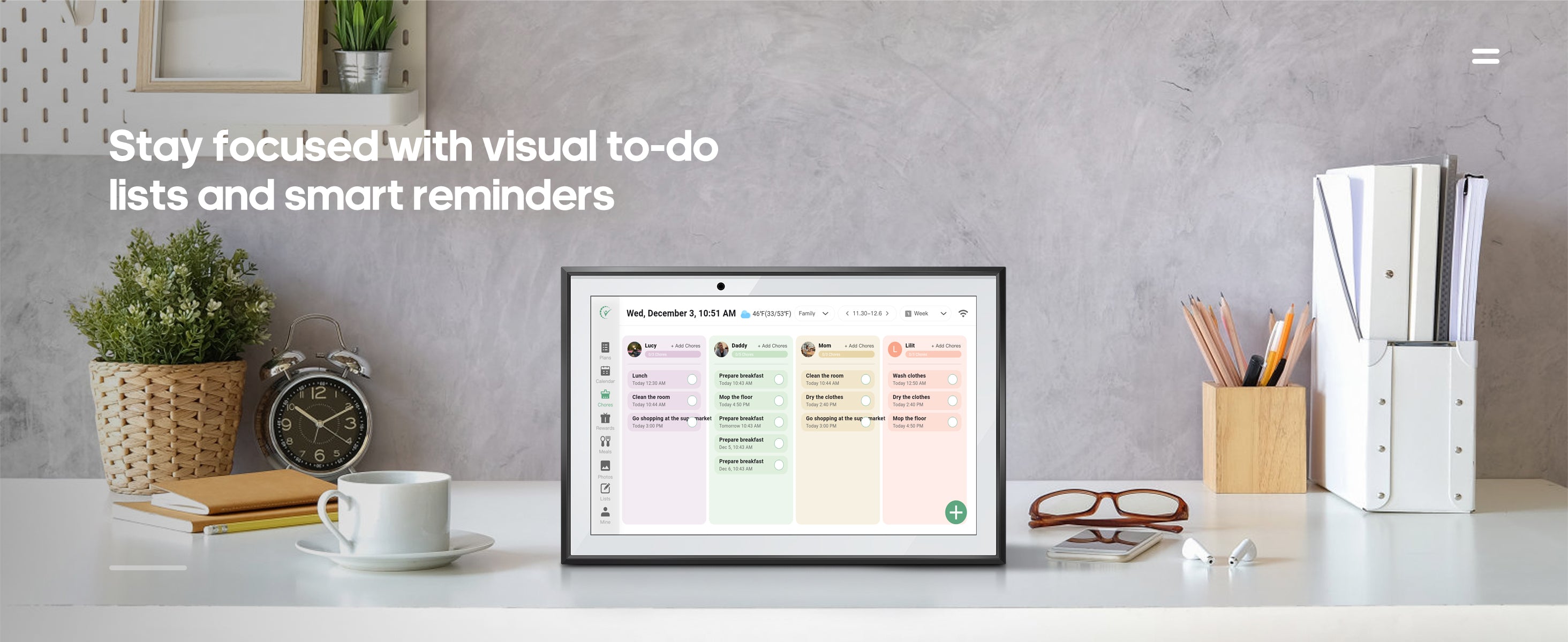
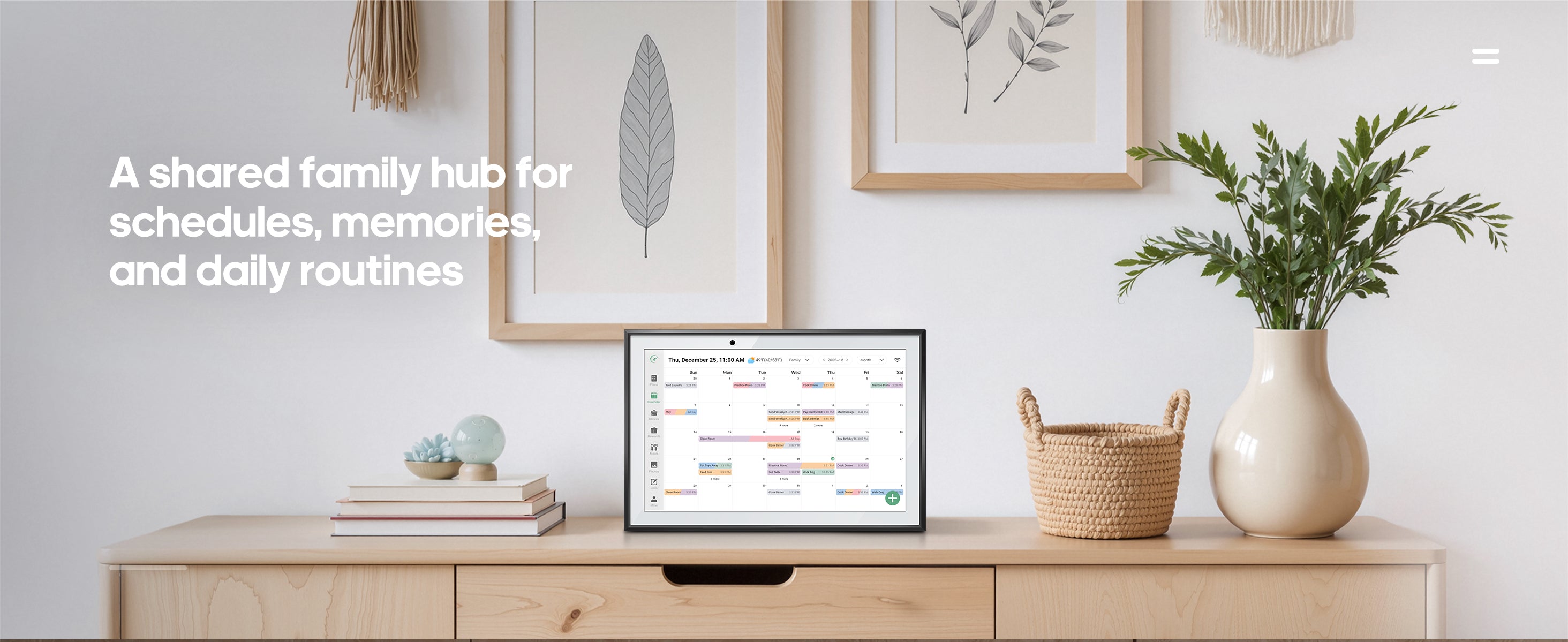
The Rrosky Calendar frame is a touchscreen display that everyone in the family can send photos to from anywhere and they'll pop right up on the frame instantly. It's designed to be the perfect family-friendly digital photo frame!The Rrosky Calendar syncs all of the events from different calendars that your family uses and shows them all together on one beautiful, touchscreen display. It also hosts organizational tools such as the new Chore Chart feature which displays organized lists of what each person needs to get done, so they can stay on top of household duties! Additional organizational features include: Meal planning, List building of any kind, and weather forecast at the time and location of your event!
Yes, Rrosky Calendar needs a WiFi connection at all times to operate.
No, there is no way to access social media or the internet using our Rrosky products.
Customize your Calendar Max with different style and color options.Shadow Box: Sleek metal frame that adds style and depth. Comes in two finishes: Natural Aluminum or Charcoal Classic: Timeless and contemporary design for any home. This plastic, fitted frame comes in two frame color options: White or Black.
Rrosky Calendar currently supports syncing with Google, Apple, Outlook, Yahoo, Cozi, and Readdle Calendars, as well as any calendar with a public sharing link. You can sync calendars using our mobile app or online Rrosky Cloud (i.e. app.ourskylight.com).
You can view and manage the calendars you have synced with Rrosky Calendar using the sync icon in the Rrosky mobile app or the 'Synced Calendars' section in the Rrosky Cloud online. Once your calendars are synced, you can delete them at any time.
Add your Rrosky Calendar's unique email address as an attendee to any event, or sync your entire calendar and as many others as you want with your Rrosky Calendar.
Yes, you can invite multiple Rrosky‘s to the event you want them all to have or sync the same calendar to both Rrosky‘s and they will both update in real time as you update that calendar!
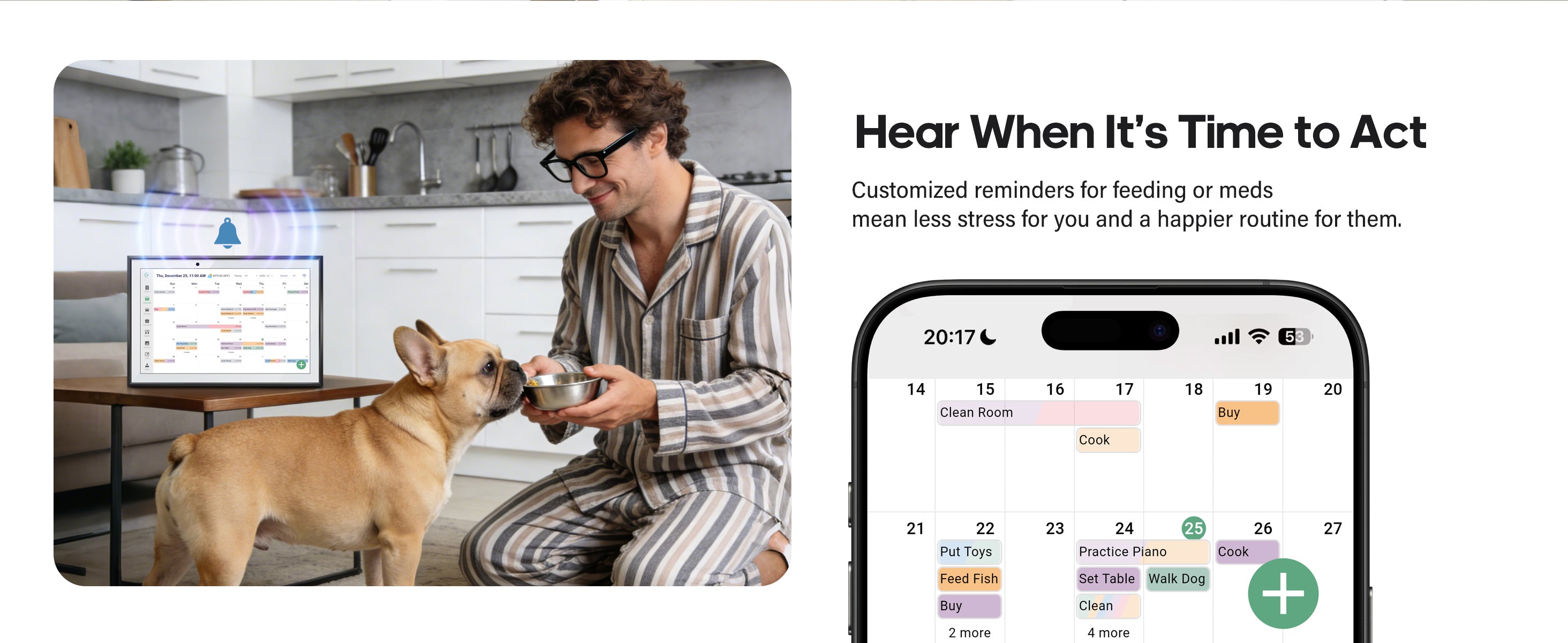
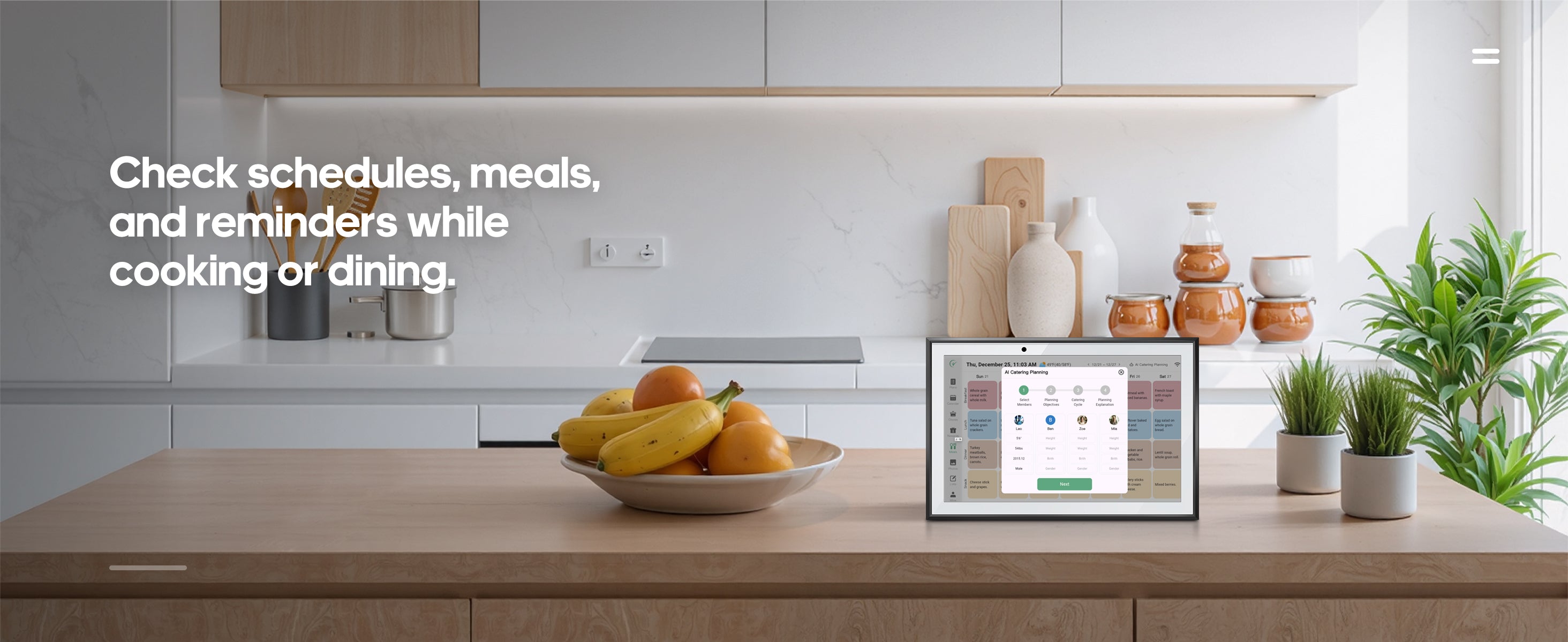
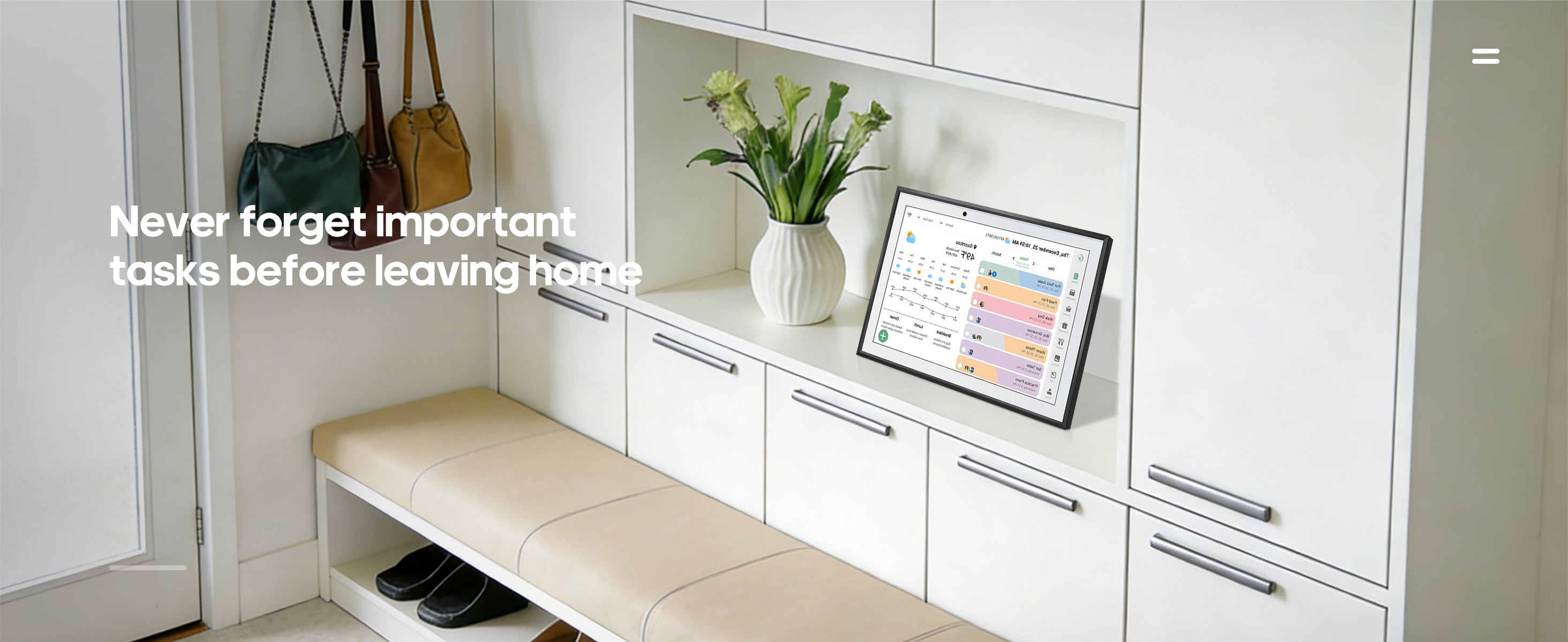
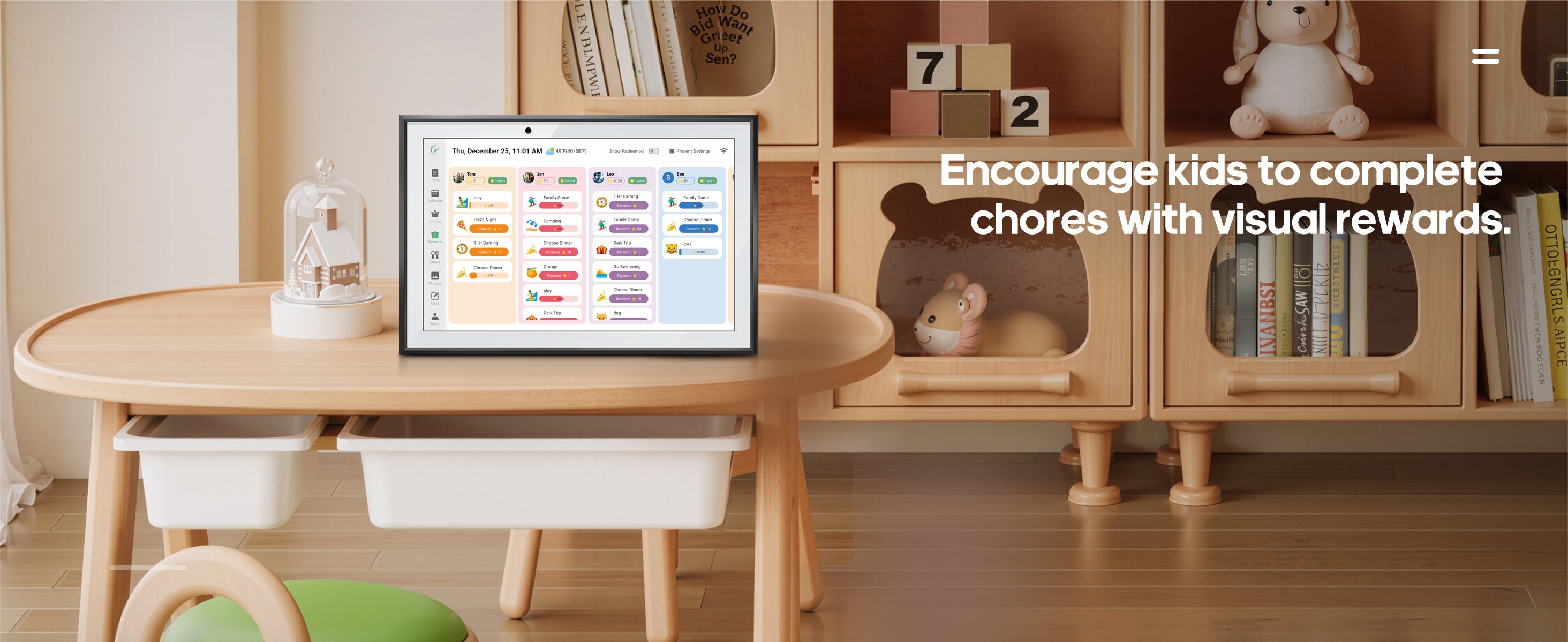
Rrosky Calendar's touchscreen allows you to interact with your events, add/remove events directly onto the device, create Todo/Chore items, view weather forecast at the time and location of your event, update your schedule with a Daily Meal Plan, and view your schedule in Day, Week, and Month views. You can also color code each event on your calendar, as well as create any kind of lists you choose using the 'Lists' feature in your Rrosky mobile app and directly on the device.
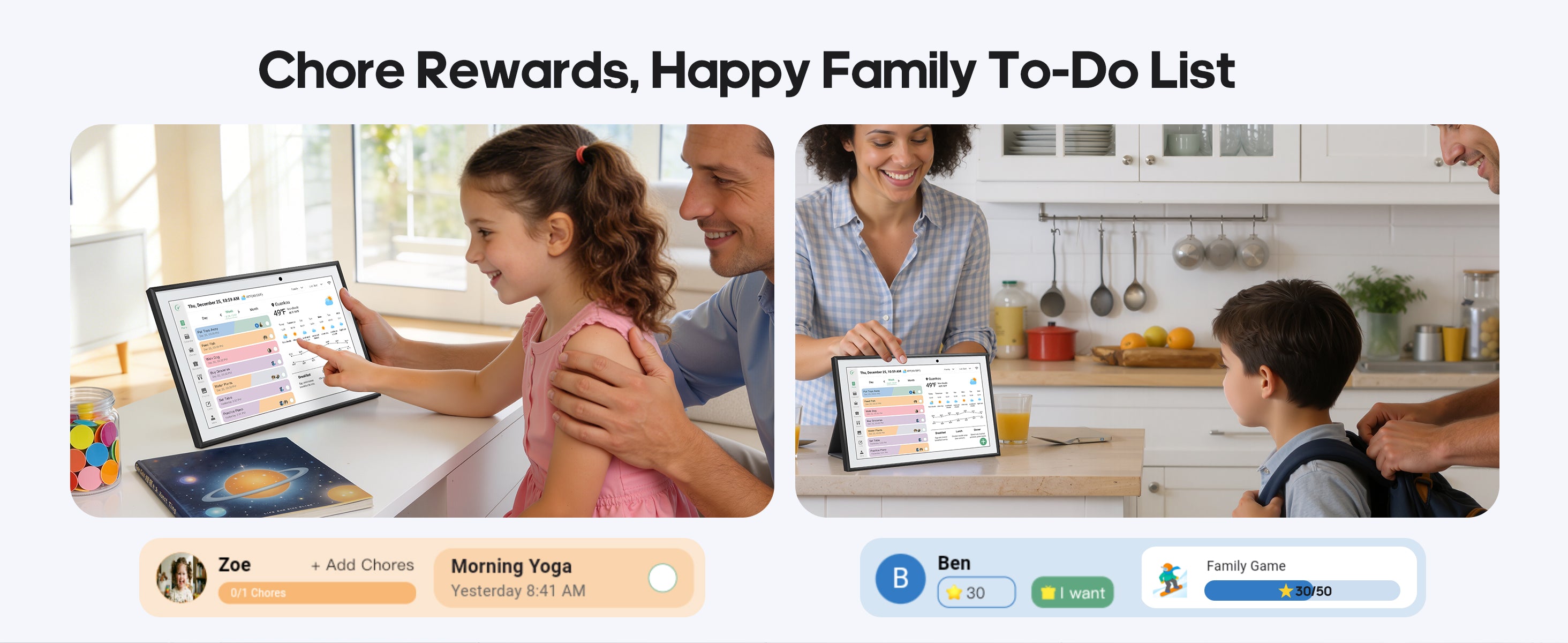
Yes, with Rrosky Calendar you can create chores for multiple people and have as many different kinds of lists as you'd like! A grocery list will be created by default.
If you purchased a product through Rrosky.com, you can return it for a full refund within 4 months of purchase. In addition, if your device experiences a covered issue within the first 3 years, we'll replace it free of charge; that's the Rrosky Promise.